At month end the bank balance in Logo does not match the bank, and we spend hours hunting the gap.
Why does the bank balance in Logo not match the bank, and how do you reconcile it?
The Logo and bank balances drift apart for four reasons: transactions in the bank but not in Logo, entries in Logo but not in the bank, amount differences and vouchers posted to the wrong account. A proper reconciliation runs both ways. Every night iyibir Finance separates these four cases and builds a balance bridge from the Logo balance to the bank balance, item by item.
Why it happens
- A bank transaction was never entered in Logo (fees, BSMV, POS deductions).
- A voucher in Logo is not in the bank: entered twice or posted to another bank's account.
- The amount differs: partial payment, exchange difference or a typo.
- Checking only at month end lets differences pile up until their source is forgotten.
How it is generally solved
Put both lists side by side
Take the bank transactions and Logo's bank entries for the same period side by side.
Sort into four cases
Matched, missing in Logo, missing in the bank, amount difference. Put every item into one of them.
Build the balance bridge
Add and subtract the differences from the Logo balance to reach the bank balance; if the bridge does not close, an item is missing.
Repeat daily
Do not leave reconciliation to month end; done daily, differences are small and their source is fresh.
With iyibir Finance
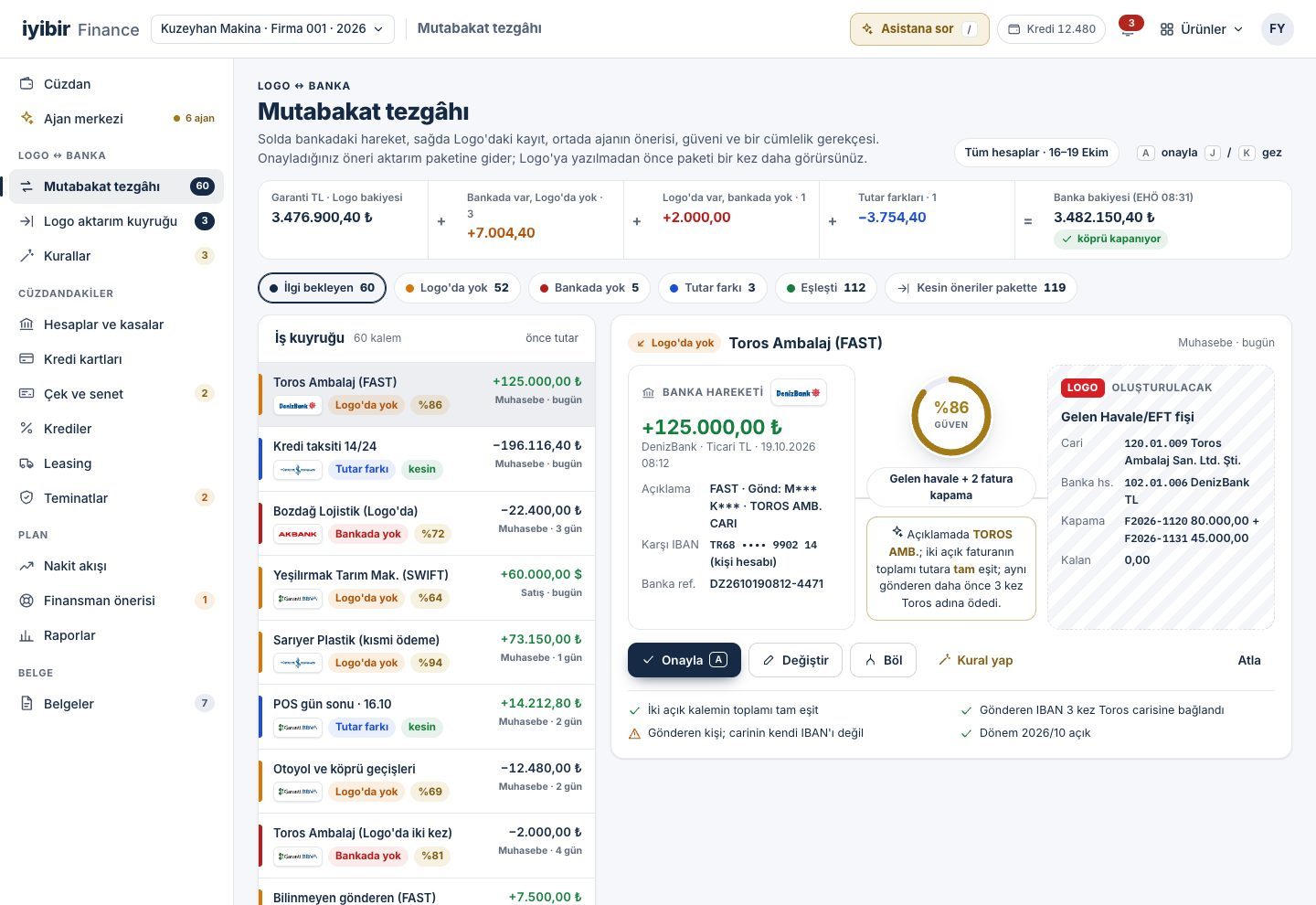
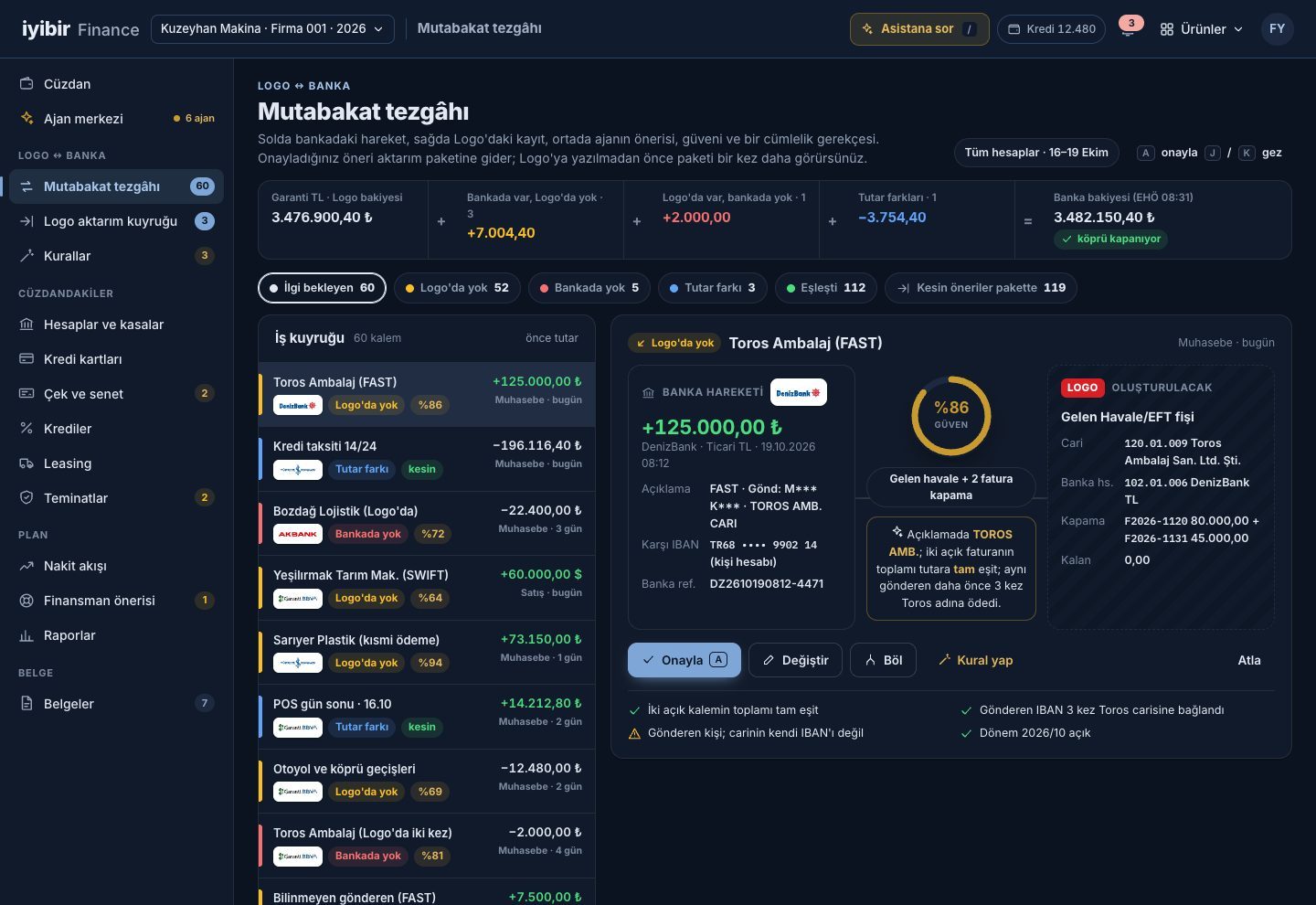
- The reconciliation desk puts the bank transaction on the left, the Logo entry on the right, and the agent's suggestion, confidence and reason in the middle.
- "In Logo but not in the bank" and "amount differs" are listed separately, so vouchers entered twice or posted to the wrong account are found.
- The balance bridge runs from the Logo balance to the bank balance item by item and shows whether it closes.
- The balance chain proves for each account that no transaction was lost in between.
Frequently asked
Does reconciliation only look from the bank to Logo?
No, it runs both ways. Entries in Logo that are not in the bank are listed as well as bank transactions missing in Logo.
Why should I trust the agent's suggestion?
Every suggestion carries a confidence score and a one-sentence reason, for example the account name in the description and two open invoices that add up to the amount. The decision is yours.
Are cash registers included?
Cash registers come from Logo and appear in the wallet next to the banks.
Other problems
How do you post bank transactions to Logo without keying them in?
Agents read the transactions overnight, match them to accounts and prepare the voucher batch; in the morning you only approve.
How to fix itHow do you keep track of cheque and promissory note due dates?
Cheques are scanned with a phone, the portfolio sits on a due-date calendar, and the agent suggests endorsing or collecting.
How to fix itWill cash last next week? How do you build a cash flow forecast?
A 13-week cash forecast is rebuilt every night from Logo due dates; when a gap appears, options are ranked by cost.
How to fix it