Every morning we open each bank and key the transactions into Logo by hand.
How do you post bank transactions to Logo without keying them in?
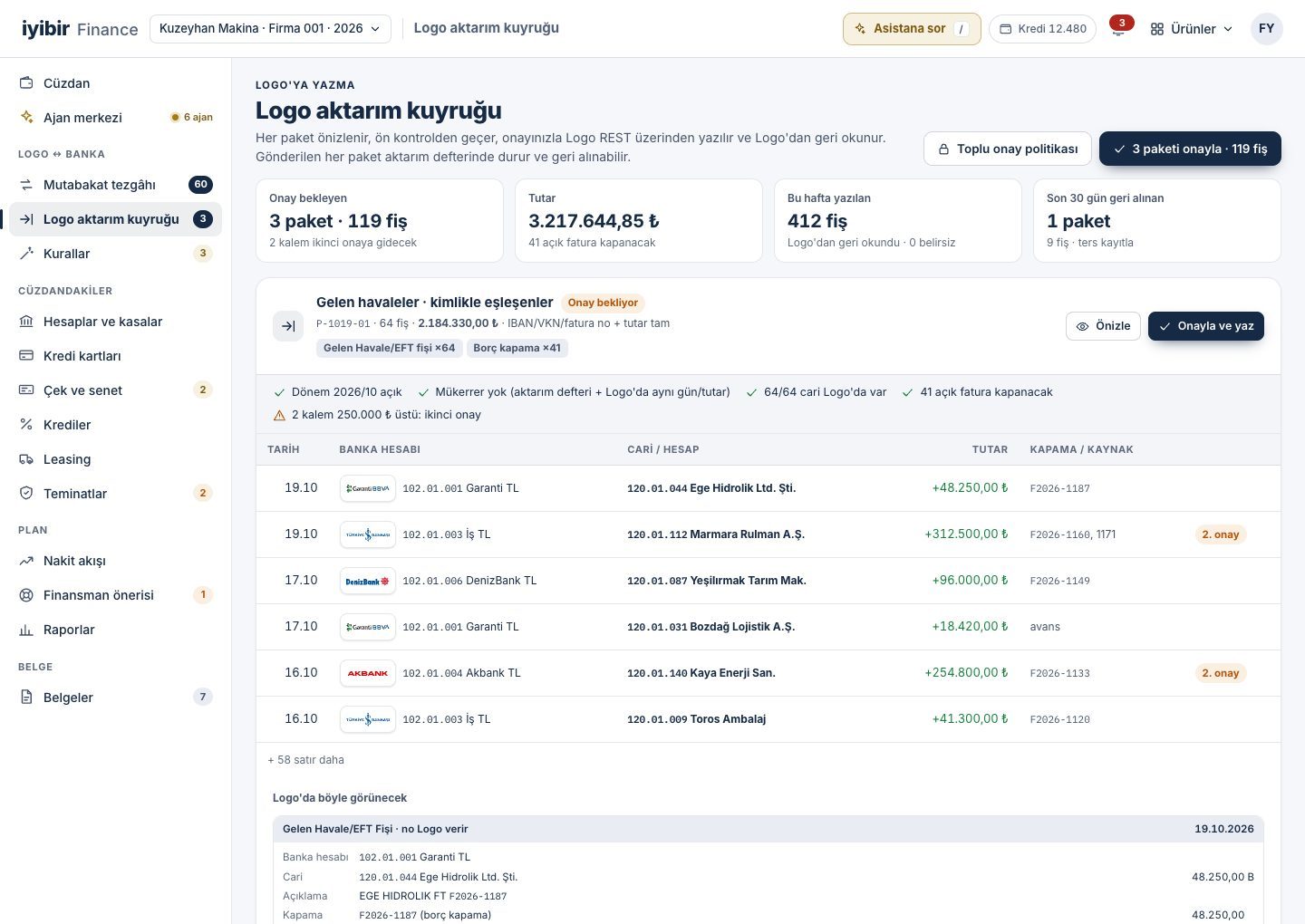
The way to stop keying bank transactions is to read them straight from the bank, find the account and the invoice to close automatically, and put the voucher forward as a previewed batch. iyibir Finance does this overnight: it reads all your banks, compares each transaction with Logo and leaves you batches to approve in the morning.
Why it happens
- Each bank's online branch is opened separately and each statement downloaded separately.
- Finding the account behind a description line means searching Logo row by row.
- The same transaction can be entered twice or into the wrong bank account; the gap shows up at month end.
How it is generally solved
Read all banks in one place
Pull account transactions from every bank into one list at the same time every day.
Tie matching to rules
Link each transaction to an account and an open invoice using IBAN, tax number, invoice number and amount.
Check before you post
Is the period open, does the entry already exist, is the account defined in Logo? Check before posting.
Read back what you posted
After a voucher is posted, read its number and amount back from Logo and keep the trail.
With iyibir Finance
- You set up the connection yourself; no support ticket, no installation appointment. Banks are connected with your own read-only credentials; API where the bank has one, statement files (MT940, camt.053, Excel, PDF) where it does not.
- The reconciliation agent writes each transaction's status in Logo, the matched account, a confidence score and a one-sentence reason next to it.
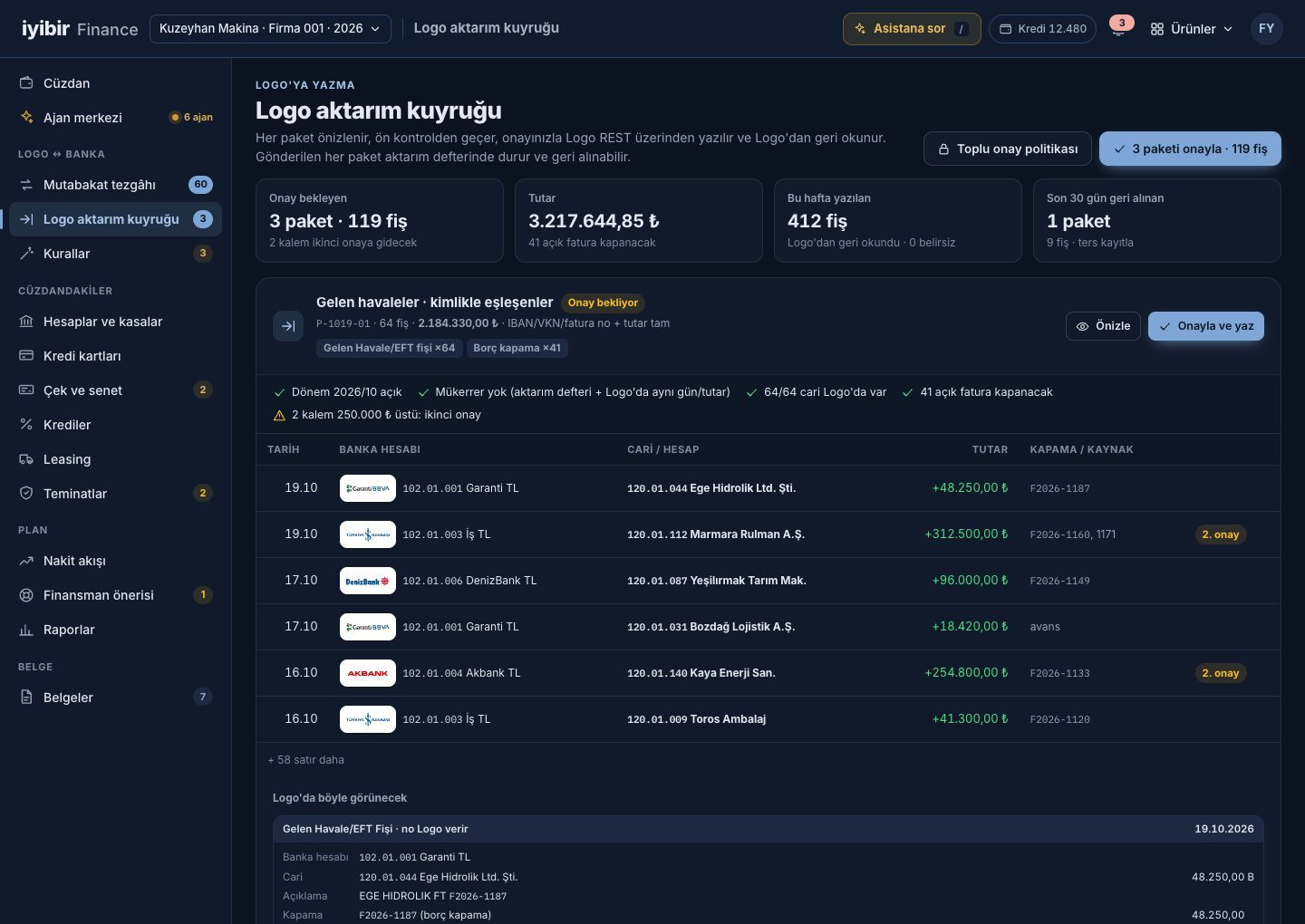
- Approved items go into a transfer batch, previewed as the voucher will look in Logo and pre-checked.
- You see it before it is written to Logo, and it is checked afterwards: every posted voucher is read back from Logo; a batch posted in error is reversed with a counter entry and the transfer log keeps the trail.
Frequently asked
Is anything written to Logo without approval?
No. Every entry that goes to Logo goes with your approval. Certain matches are approved in one click in the morning; amounts above your threshold go to a second approver.
What if my bank has no API?
Upload the bank's statement file (MT940, camt.053, Excel or PDF); the same reader reads it and the transactions enter the same reconciliation.
Can a batch posted in error be undone?
Yes. The batch is reversed with a counter entry; the transfer log keeps who approved it, when it was posted and when it was reversed.
Other problems
Why does the bank balance in Logo not match the bank, and how do you reconcile it?
Logo and the bank are compared both ways; a balance bridge shows the gap item by item.
How to fix itHow do you keep track of cheque and promissory note due dates?
Cheques are scanned with a phone, the portfolio sits on a due-date calendar, and the agent suggests endorsing or collecting.
How to fix itWill cash last next week? How do you build a cash flow forecast?
A 13-week cash forecast is rebuilt every night from Logo due dates; when a gap appears, options are ranked by cost.
How to fix it