Bank accounts and cash registers
Every bank in Türkiye on one screen. Next to each transaction, its status in Logo and the matched account; cash registers come from Logo.
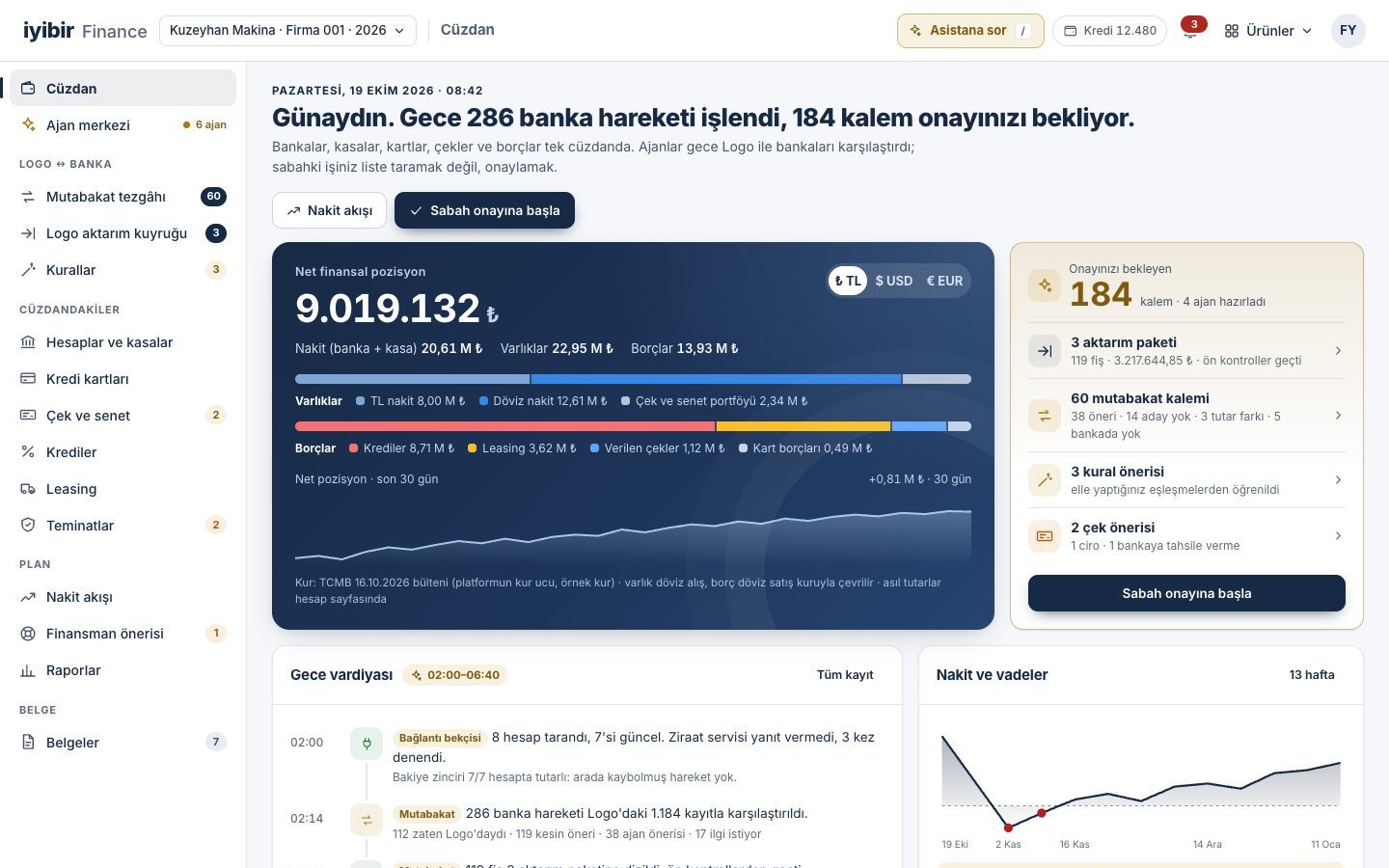
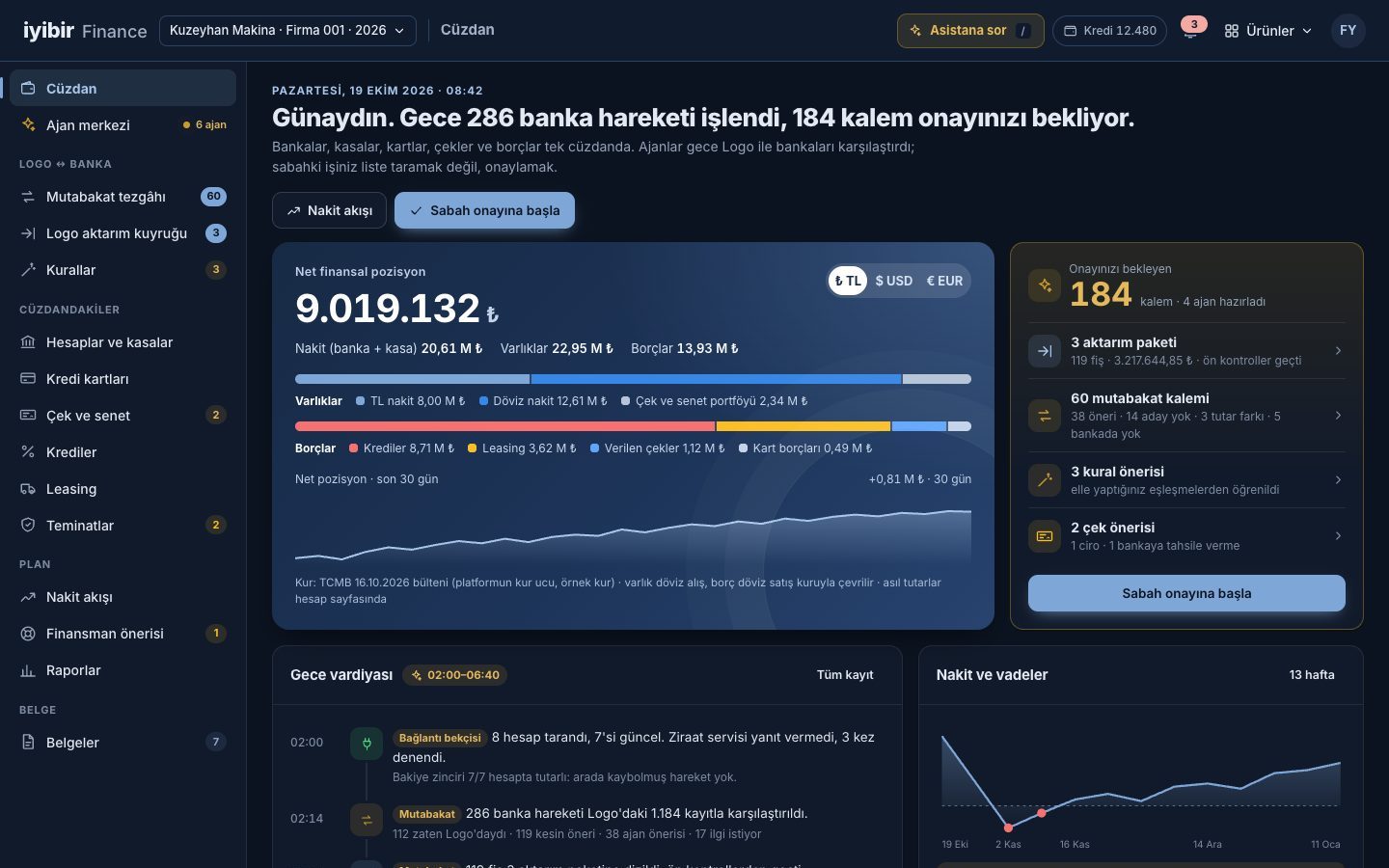
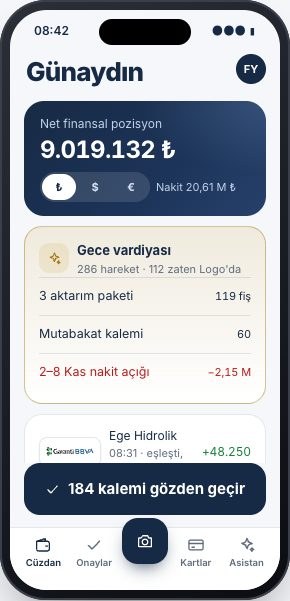
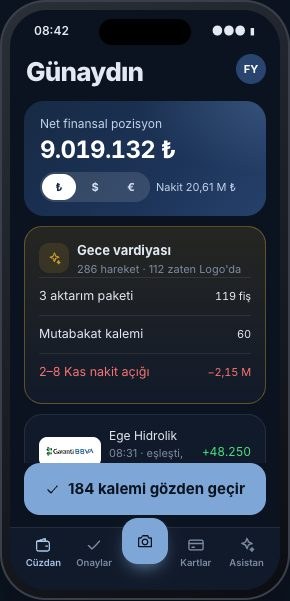
All your banks, cash registers, cards, loans, cheques and notes in one wallet. Agents compare Logo with your banks overnight; in the morning all that is left is to approve.
Free access, pay as you go. Every suggestion comes with its reason; every entry that goes to Logo goes with your approval.
Every morning we open each bank and key the transactions into Logo by hand.
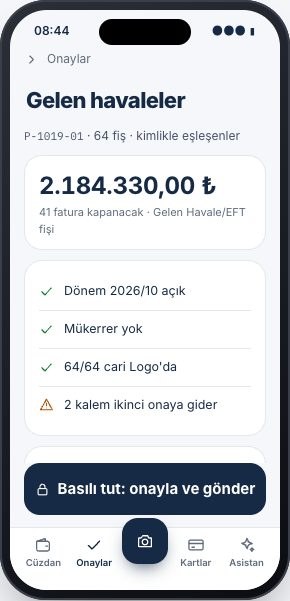
Agents read the transactions overnight, match them to accounts and prepare the voucher batch; in the morning you only approve.
How to fix it →At month end the bank balance in Logo does not match the bank, and we spend hours hunting the gap.
Logo and the bank are compared both ways; a balance bridge shows the gap item by item.
How to fix it →We track cheque and note due dates in a separate spreadsheet, and nobody knows the endorsement chain.
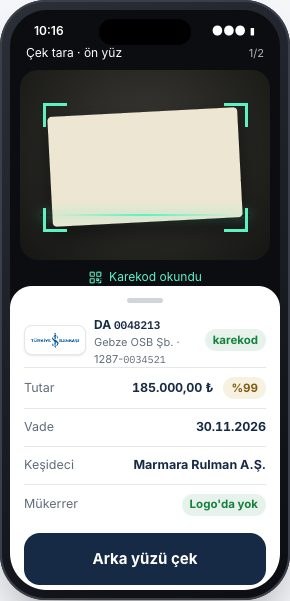
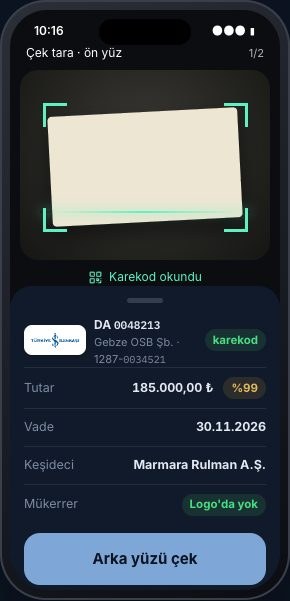
Cheques are scanned with a phone, the portfolio sits on a due-date calendar, and the agent suggests endorsing or collecting.
How to fix it →Nobody can say right away whether cash will last next week.
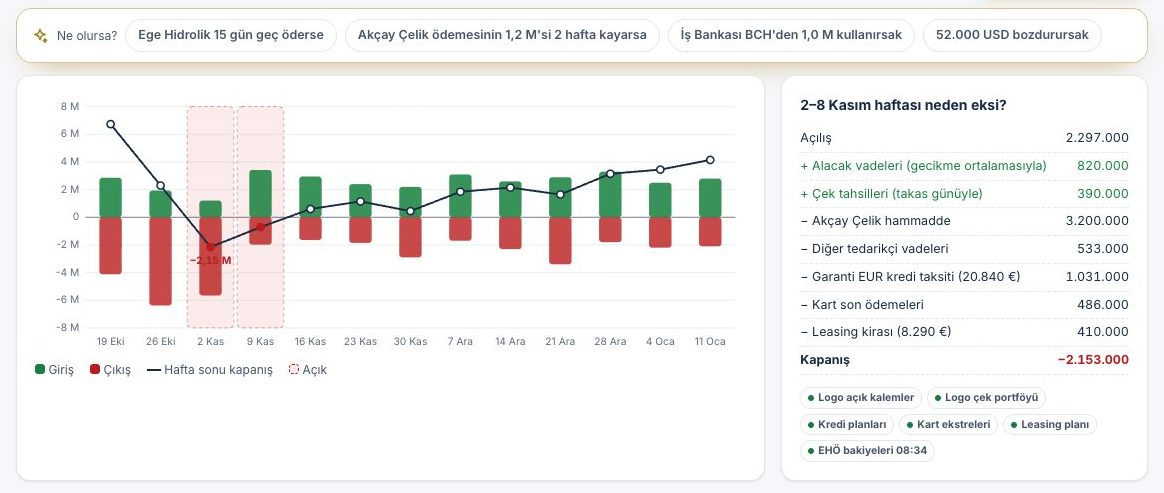
A 13-week cash forecast is rebuilt every night from Logo due dates; when a gap appears, options are ranked by cost.
How to fix it →Loan instalments leave the bank at one amount while the plan in Logo shows another.
Each loan is read from Logo, the bank and the repayment schedule; the three check each other and the agent catches the BSMV difference.
How to fix it →Splitting company card statements line by line into expense codes takes days.
AI reads the statement and links each line to an expense code and the non-deductible expense rule; the subscription hunter catches price increases.
How to fix it →Your bank and your Logo side by side: you see it before it is written, and it is checked afterwards.
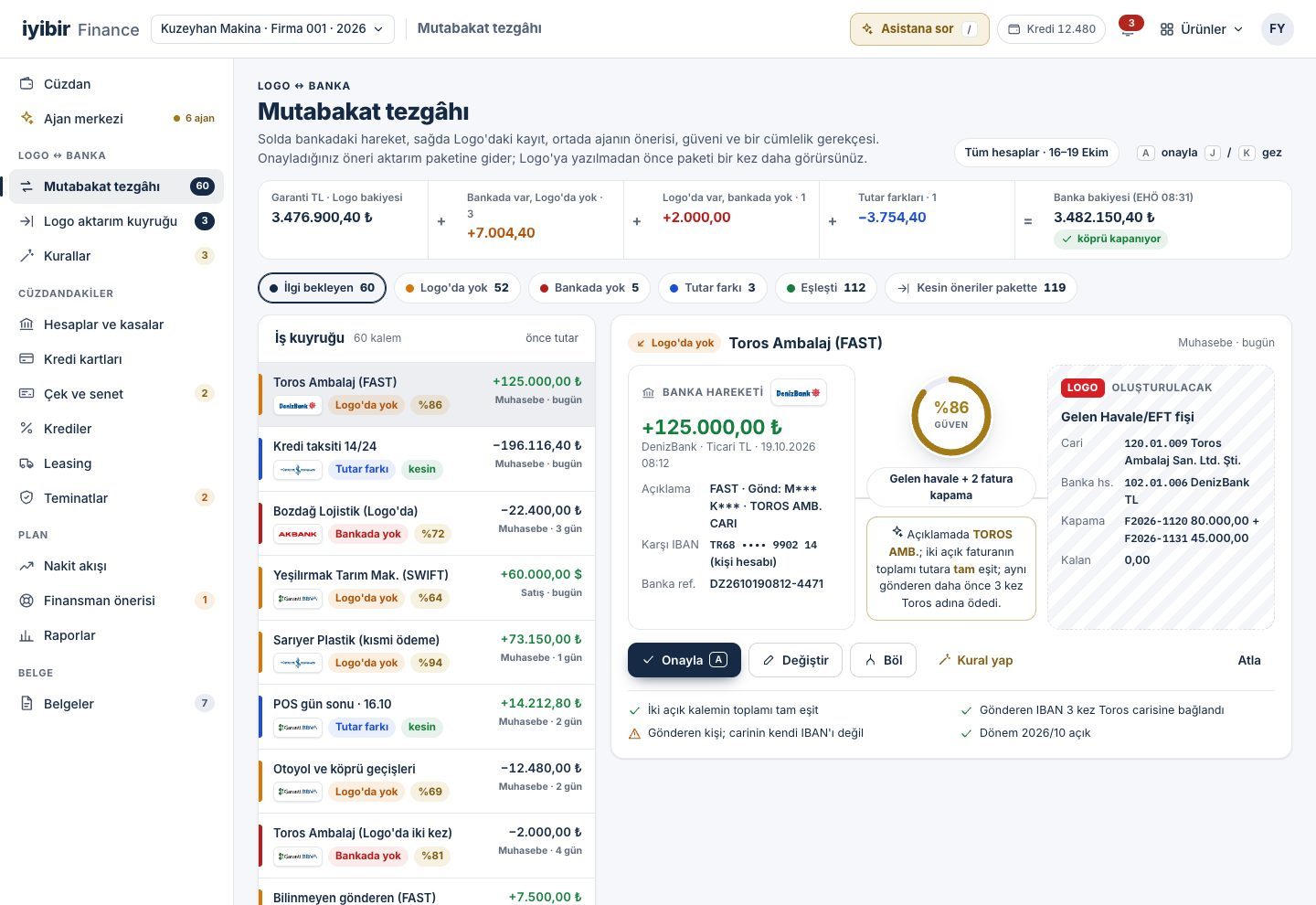
Bank entries in Logo and transactions from the bank are compared both ways: missing in Logo, missing in the bank, amount difference or matched; the balance bridge runs from the Logo balance to the bank balance, item by item.
Every match suggestion shows a confidence score and a one-sentence reason: "The description says TOROS AMB.; two open invoices add up exactly to the amount."
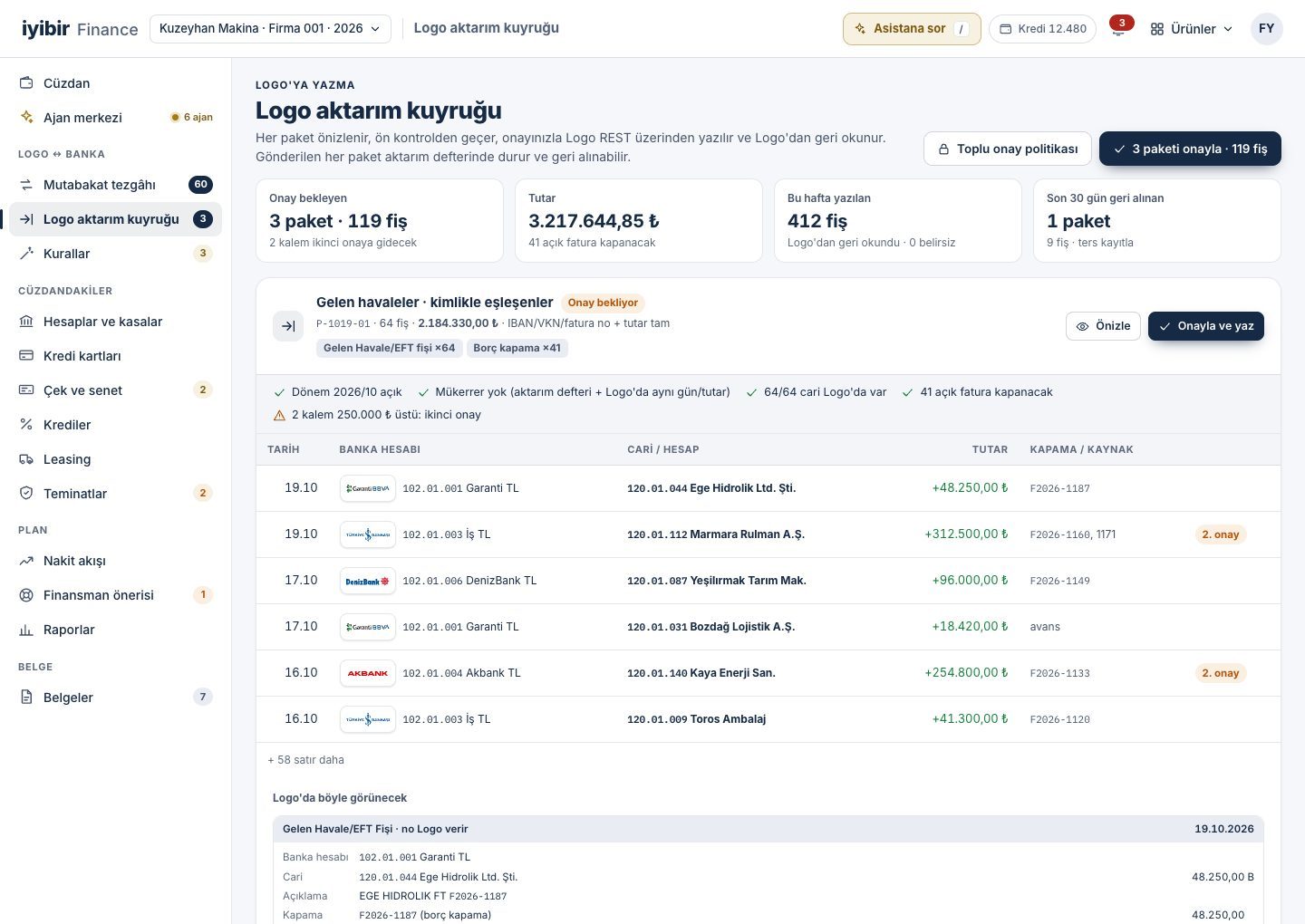
The voucher is previewed as it will look in Logo, pre-checked, posted with your approval and read back from Logo; a batch posted in error is reversed with a counter entry and the transfer log keeps the trail.
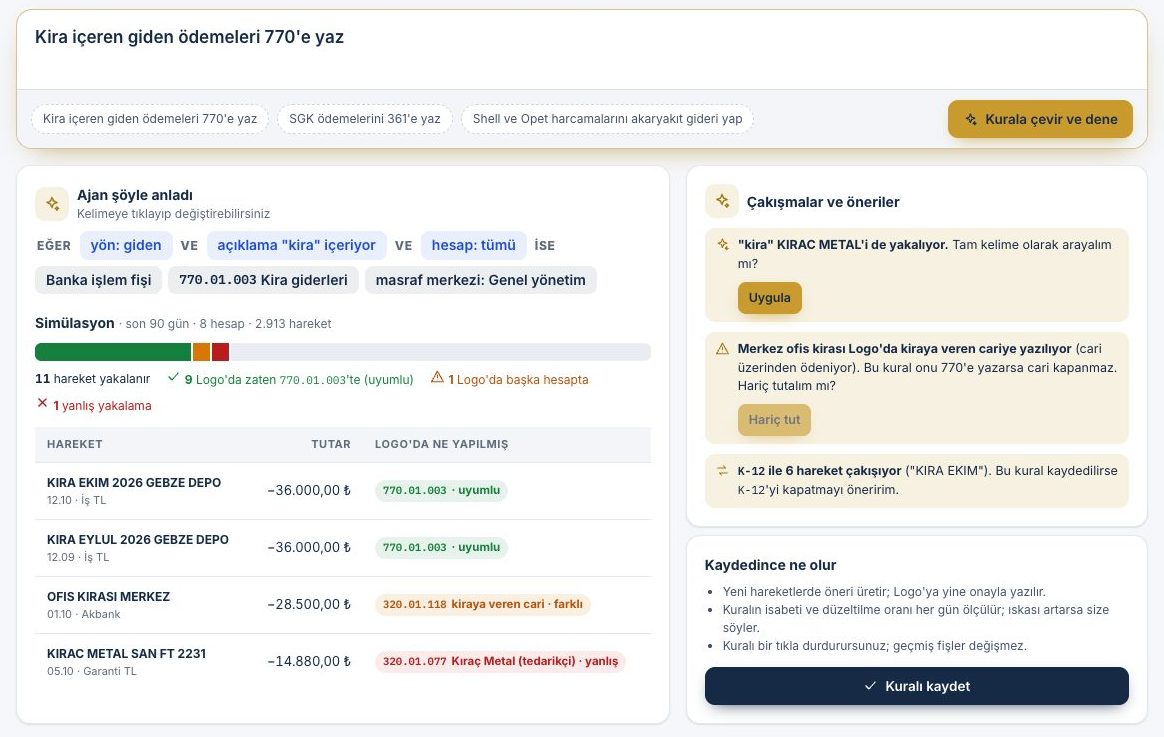
A sentence such as "Post outgoing payments containing 'kira' (rent) to 770" becomes a rule and is tested against the last 90 days of Logo history before it is saved: what it catches correctly, what it catches wrongly and which rule it collides with.
Bank and Logo connections are set up and monitored on the Integrations screen; your bank credentials are read-only, stored sealed and never shown on screen again; your Logo database is never exposed to the internet.
Bank accounts, Logo cash registers, company cards, loans, cheques and notes, leasing and letters of guarantee sit in one wallet as a net position; the 13-week cash flow is built from these schedules and, when a gap appears, financing options are ranked by cost.
Each agent shows on screen what it watches, what it suggests and how sure it is. In the morning you get a reasoned approval batch, not a list.
The connection watcher tries every account and tests the balance chain, proving that no transaction went missing in between.
The reconciliation agent compares each transaction with the Logo entry both ways and finds the account and the invoice to close.
Certain matches go into a transfer batch, which is pre-checked: is the period open, is there a duplicate, does the account exist in Logo.
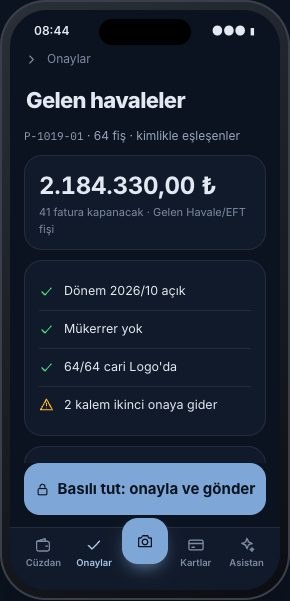
A morning summary arrives on your phone. You approve the batches; the vouchers are posted to Logo and read back from Logo.
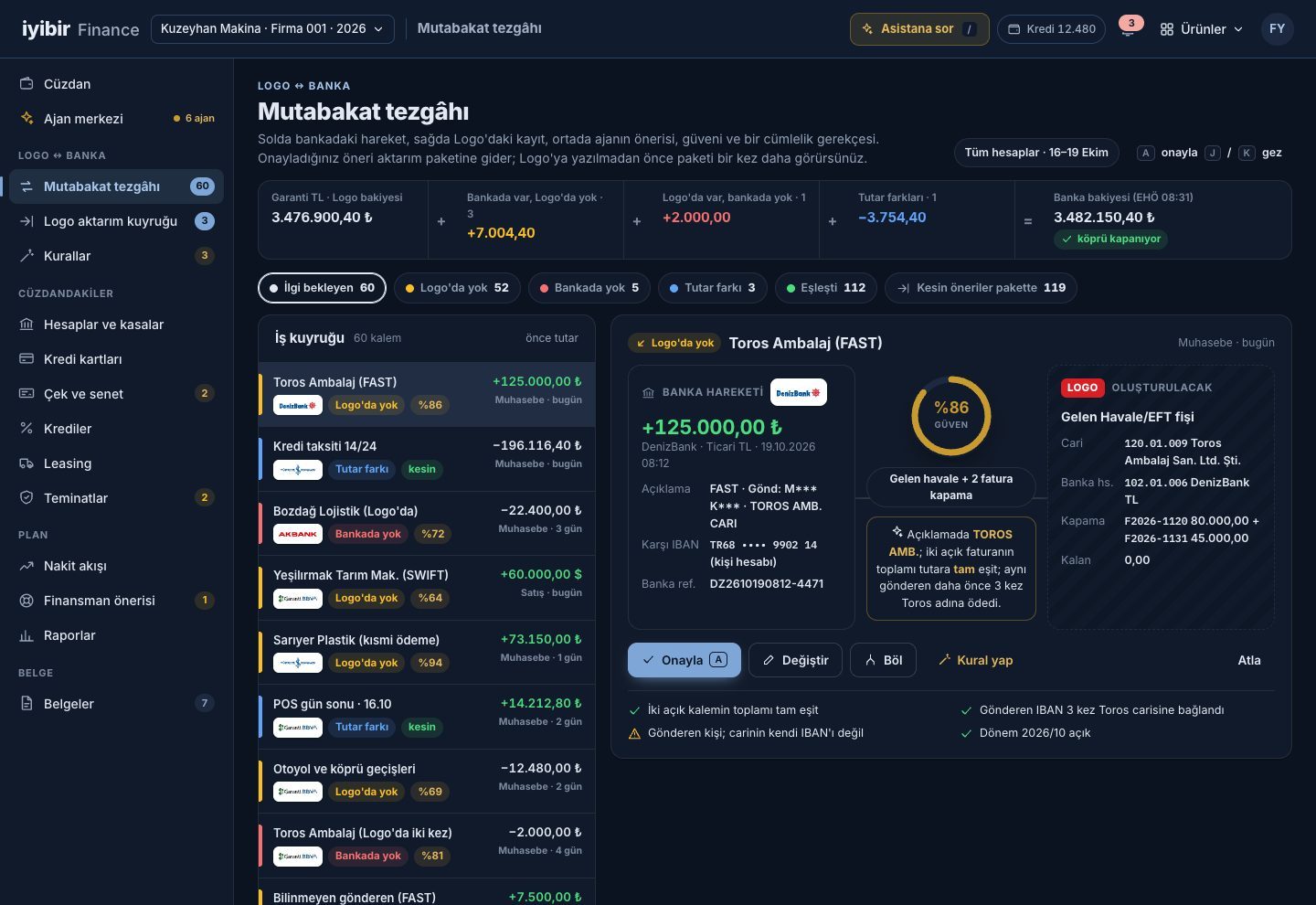
The bank transaction on the left, the Logo entry on the right, and the agent's suggestion, confidence and one-sentence reason in the middle. The balance bridge runs from the Logo balance to the bank balance, item by item.
Assets minus liabilities, in the currency you choose, at the Central Bank of Türkiye rate. Debt and portfolio sit inside the wallet, as they really look, not in separate spreadsheets.
Every bank in Türkiye on one screen. Next to each transaction, its status in Logo and the matched account; cash registers come from Logo.
Bank entries in Logo are compared with bank transactions both ways; approved items are posted to Logo in previewed batches.
A rule is written as a sentence and tested against the last 90 days of Logo history before it is saved.
Cheques and promissory notes as they really look, the endorsement chain, a due-date calendar and a status board.
Each loan is read from Logo, the bank and the repayment schedule document; the three check each other.
Cards appear as real cards: bank, last four digits, limit, statement day, payment due date.
Contracts and rent schedules are read from Logo or the schedule document.
Issued and received letters, with due dates and commission periods.
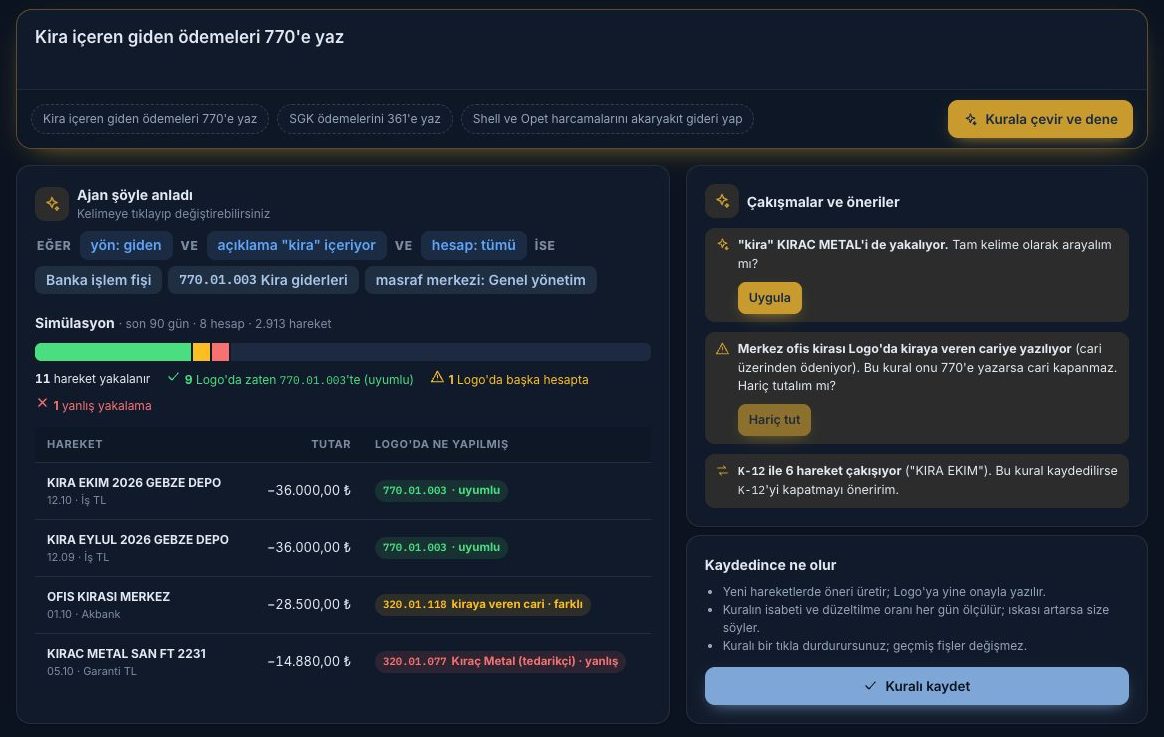
"Post outgoing payments containing 'kira' (rent) to 770." The rule is tested on the last 90 days of transactions against what was actually posted in Logo: what it catches correctly, what it catches wrongly, and which rule it collides with. Rules are suggested from your manual matches.
A 13-week cash forecast is rebuilt every night from Logo due dates, the cheque portfolio, loan, card and leasing schedules, and the tax and payroll calendar. When a gap appears, your own resources come first, then loans, ranked by estimated cost.
Free access, pay as you go. Open your account, connect your banks with your own read-only credentials, and in the mornings simply approve.